FilrAI Documentation
Filings
Finding SEC filings, investor materials, and uploaded documents.
Last updated
Company selection
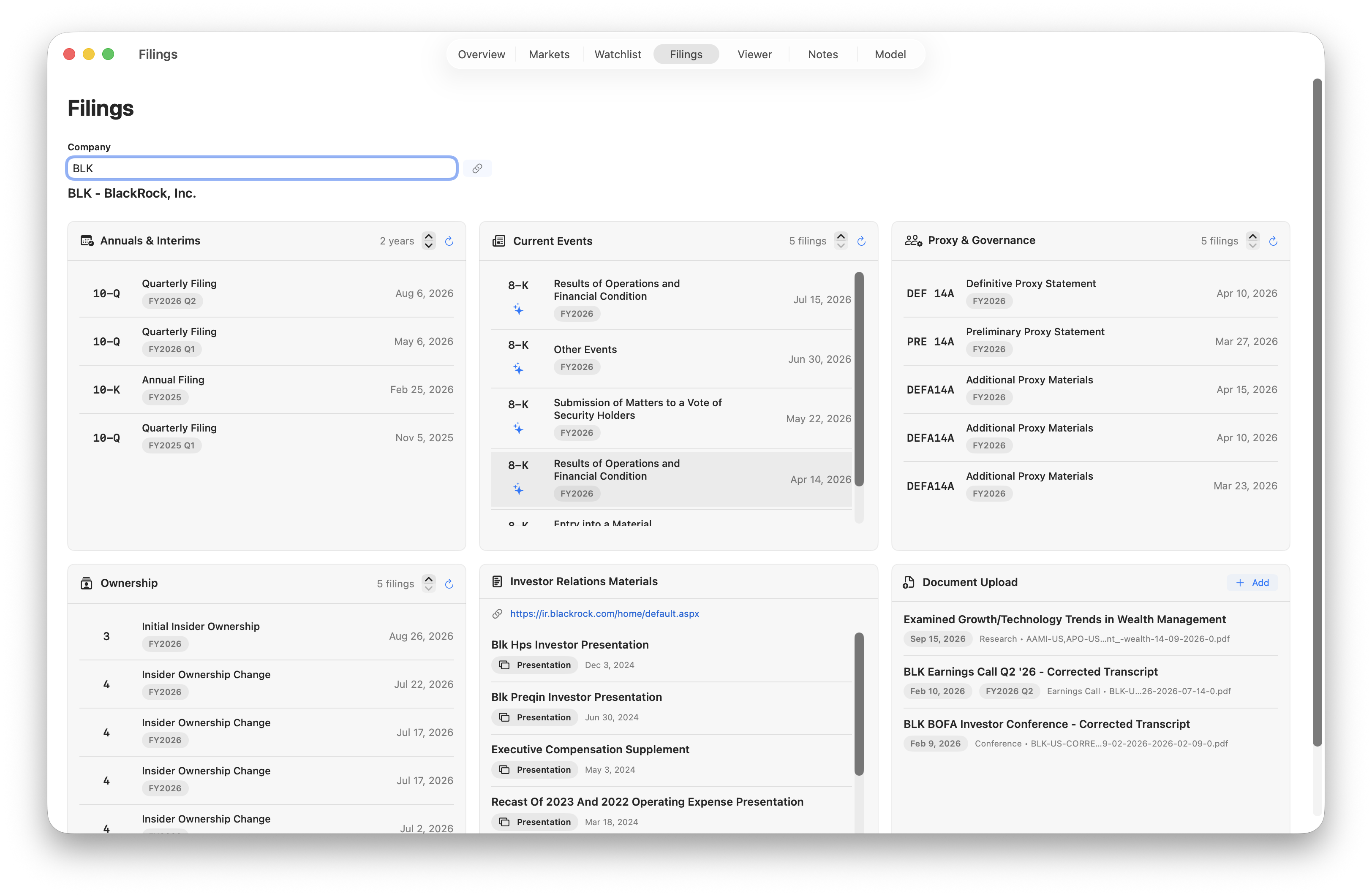
Search by company name or ticker to load its filings independently of Overview.
Click the link icon to populate the company from Overview. Searching for another company in Filings leaves your Overview selection unchanged.
Filing categories
- Annuals & Interims. 10-K, 10-Q, 20-F, 40-F, and periodic 6-K reports, plus S-1 and F-1 registration statements.
- Current Events. 8-K and non-periodic 6-K filings.
- Proxy & Governance. DEF 14A, PRE 14A, DEFA14A, and related 14A and 14C filings, including PX14A6G and PX14A6N.
- Ownership. Forms 3, 4, and 5.
Adjust the years of history for Annuals & Interims, or the number of filings for the other categories. Each panel has its own refresh icon.
The filing date is when a document was submitted to the SEC; the fiscal-period label identifies the reporting year or quarter it covers.
Select a filing to open it in the Viewer. Use the sparkle icon to generate an AI summary of current events.
Investor relations materials
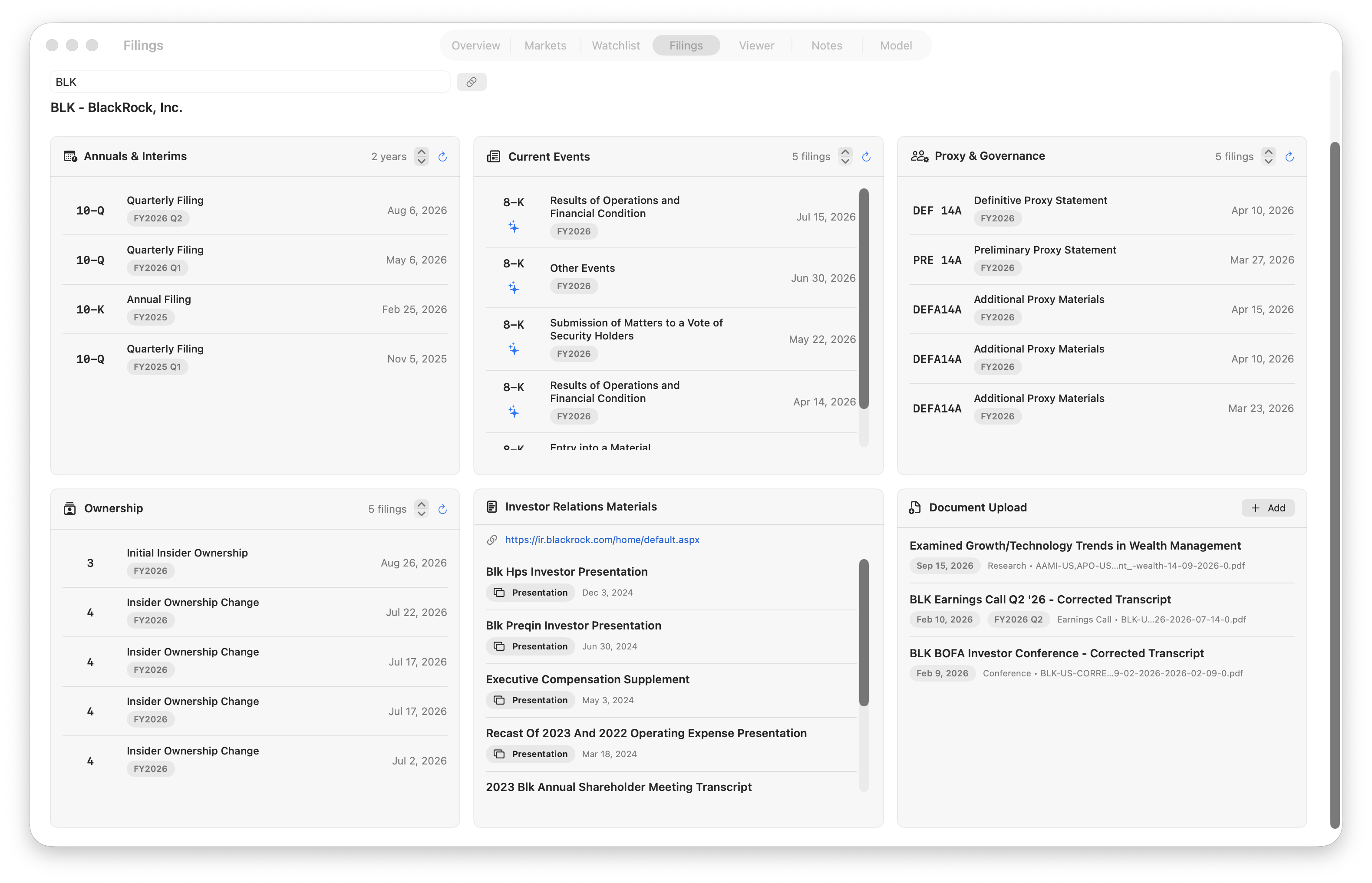
Presentations and other materials from the company’s investor relations website. Supported documents open in the Viewer. IR material is not available for all companies.
Document uploads
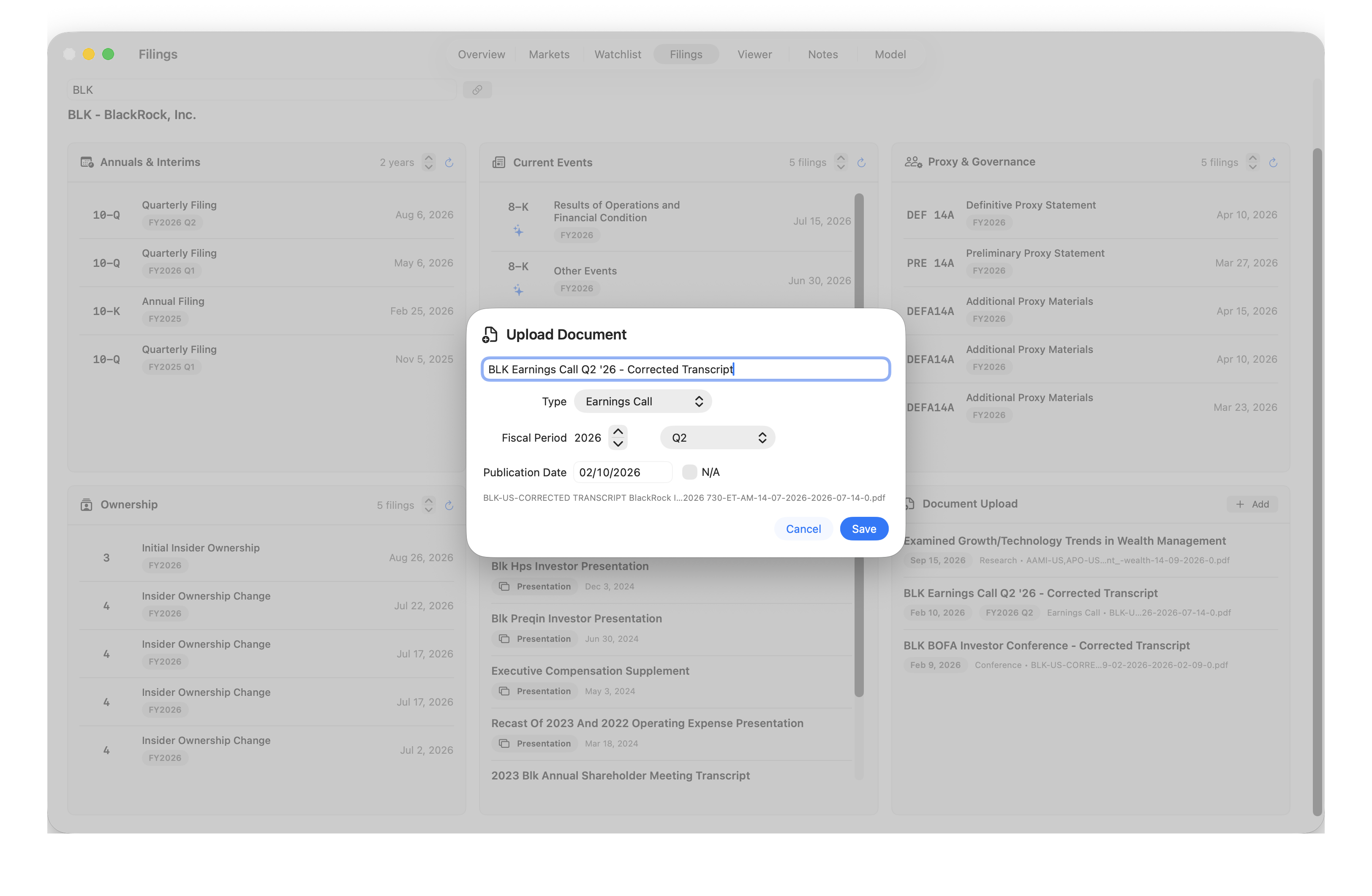
Add your own material to the selected company, including research, earnings calls, and conference transcripts. The title and publication date are filled in automatically when they can be identified from the PDF. Review these suggestions, choose a document type, and confirm the fiscal year and period before saving. Right-click an uploaded document and choose Edit to update its description and details. PDFs are currently supported.