FilrAI Documentation
Getting started
Find a company, explore its filings, and follow new disclosures.
Last updated
Installation & requirements
Install from the Mac App Store. Requires macOS 15.6 or later.
An internet connection is required to load filings, market data, and AI features.
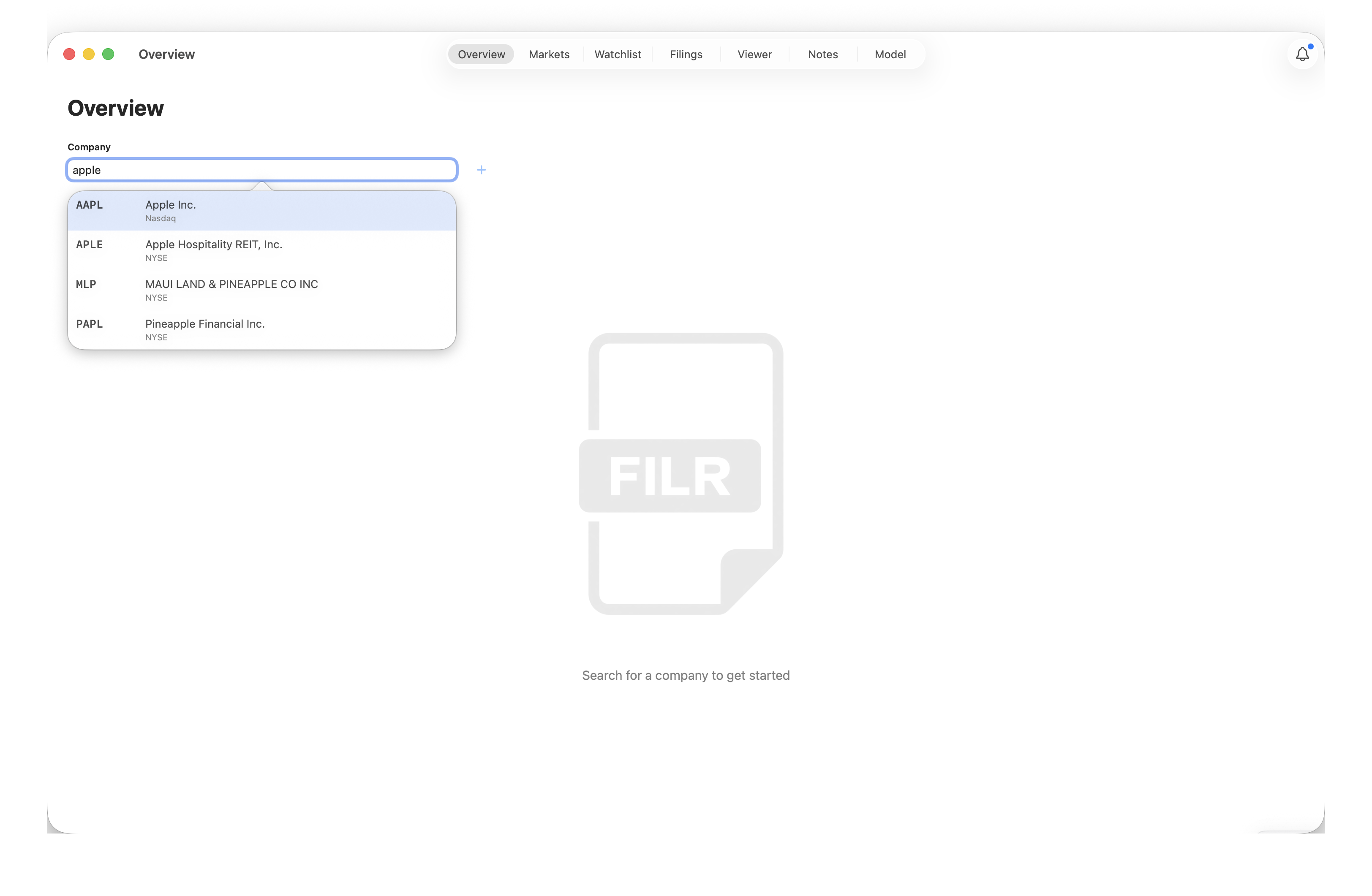
Choose a company
Search by company name or ticker in Overview to view its business overview and financials. More about Overview.
Explore a filing
Open a filing in the Viewer, or select a source citation in the company overview to jump directly to the supporting passage.
Follow the company
Add the company to a watchlist and use the Tracker to follow new filings. More about filing tracking.